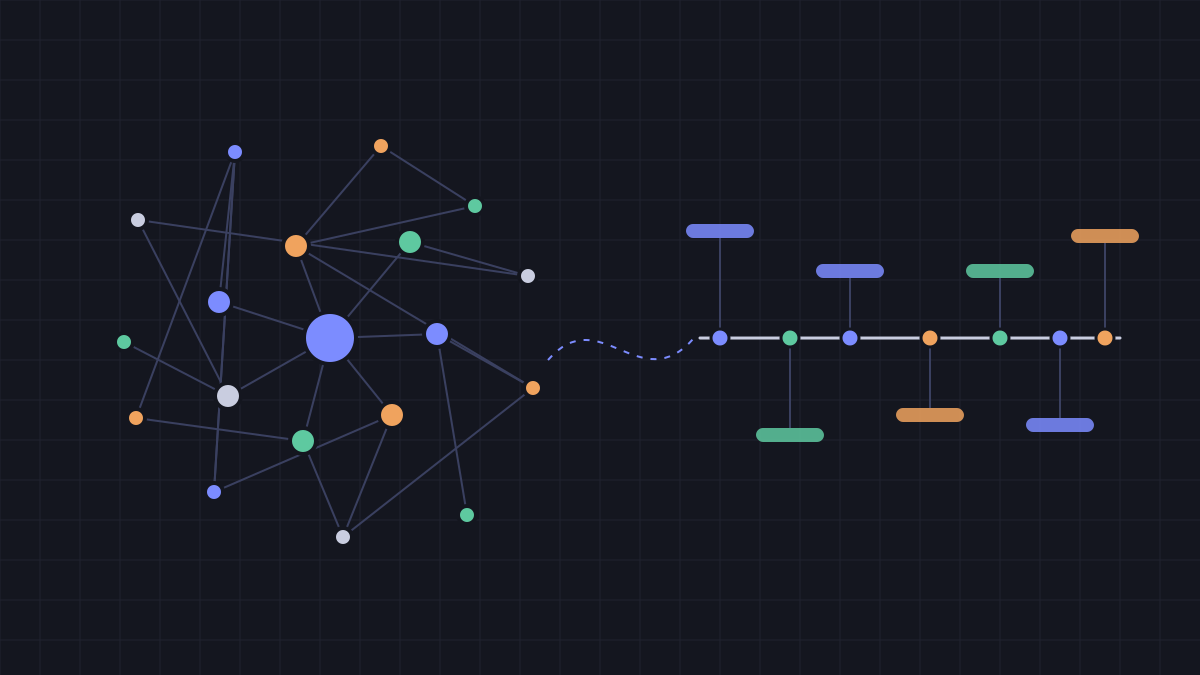
My Second Brain: Turning Two Years of Journals Into a Knowledge Graph With AI
How I turned two years of journals into a second brain with Markdown, Obsidian and AI, no RAG needed: the architecture, the process, the results, one surprising number.
At 20, I wrote a 10-year plan. Every few months I opened it again and added a check-in: where I was, how much money I had, which goals I hit and which I missed.
Two years later the file held 8 check-ins, and I had stopped rereading it. In one entry I even wrote that I was “too rushed and too lazy to read it all again from the start.”
So I gave the whole thing to an AI and asked one simple question: why has my English never improved?
The AI answered with my own sentences, dated. There were promises I had made, and things I had done, that I no longer remembered. That was the moment I decided to turn the journals into a real second brain.
Short answer
When your data is small, a second brain doesn’t need a vector database or RAG: a structured folder of Markdown, one file per thing, plus an AI that can read all of it, is enough to surface patterns you can’t see yourself. The hard part isn’t the technology. It’s splitting knowledge into small pieces with clear relationships, and separating what you actually committed to from what the AI suggested.
1) Why I didn’t copy the “proper” architecture
I studied Decoding AI’s Second Brain AI Assistant course. It’s a complete system: ingest from Notion and crawl hundreds of links, store in MongoDB, chunk and vector-search, fine-tune Llama 3.1 8B for summaries, answer through an agentic RAG pipeline, evaluate with Opik, orchestrate with ZenML.
Great work. Then I measured my own data: 27 Markdown files, about 150 KB, all written and verified by me.
An AI can read that in one pass. My problem wasn’t finding information. It was that the information sat inside prose, disconnected.
| Course component | My lean version | Upgrade when |
|---|---|---|
| Notion + crawling | Hand-written Markdown | Two or more automatic sources |
| MongoDB | Git + files | Another app needs to query it |
| Vector search, RAG | Not needed | The repo grows past roughly 1 MB |
| Agent | Claude Code + one rules file | I want to ask from my phone |
| Opik, ZenML | Periodic reviews, manual runs | Something needs to run automatically |
I keep the course as the long-term destination, and every upgrade step has a concrete trigger. No trigger, no upgrade.
2) The architecture today
One principle: Markdown in git is the source of truth; everything else is a view generated from it. No database, no server.
Me ── "update: …" ──▶ Claude Code (reads CLAUDE.md: commands + rules)
                           │ edits the right nodes, then runs the script
                           ▼
   knowledge/  156 .md files (frontmatter + [[...]] links)   ◀── journal/ (original writing, never edited)
                           │
          scripts/build_graph.py (Python, standard library only)
          ├─ graph/graph.json   → read by the AI to answer through relationships
          ├─ graph/lint.md      → overdue items, broken links, promises due, suggestions to review
          └─ views/             → timeline, roadmap, promises, metrics (+ SVG charts)
                           │
   Obsidian (graph view, backlinks) + Dataview (dashboard.md)
   git → private GitHub repo (backup)
Node types, one file each:
| Type | Nodes | Examples |
|---|---|---|
| Promises | 41 | ”This summer I’m going all in on English” |
| Goals | 34 | active, idea, done, dropped |
| Milestones | 20 | dated events that already happened |
| People | 13 | who is connected to which goal |
| Strengths / weaknesses | 18 | each with evidence and how to use or fix it |
| Projects, decisions | 16 | status, reasoning, when to revisit |
| Metrics | 6 | dated measurements that chart themselves |
| Stages, organizations | 8 | the 4 stages of my roadmap to age 30 |
They’re joined by 457 named relationships: in stage, depends on, blocked by (a weakness), supported by (a strength), repeats (an older promise), evidence (points back to the journal). An example goal (illustrative):
type: goal
title: "Write one blog post a month"
status: active
source: me
deadline: 2027-06-30
baseline: 0
current: 2
target: 9
stage: "[[stage-1-stabilize]]"
blocked_by: ["[[self-set-deadlines-slip]]"]
supported_by: ["[[delivers-under-external-deadlines]]"]
Progress is never typed by hand: the script and dashboard compute it from baseline → current → target, so it can’t drift.
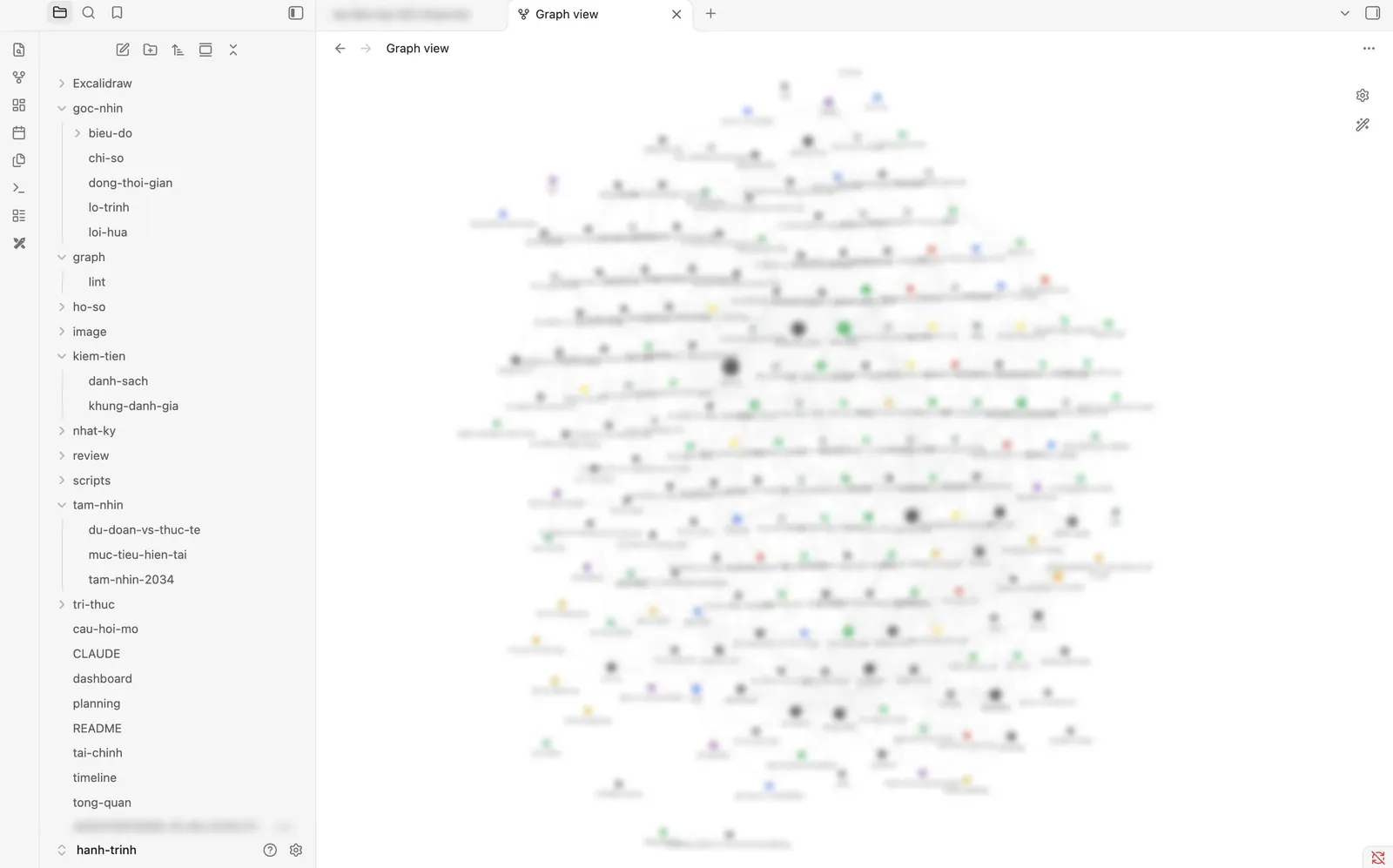
A real screenshot from Obsidian. Node labels are blurred because they include real names and private details.
The AI works through a rules file. I type “look up: …”, “progress”, “roadmap”, “update: …”, “weekly review”. The most important rules: never mark something done unless I say so, never guess a number, and never turn its own suggestion into my commitment.
3) How I built it
The whole process took about a week; building the system itself fit into one morning:
- Gave the AI my journals and answered open questions. It read everything and asked about the gaps. I answered in 4 rounds; each round it updated my profile and flagged numbers that contradicted each other.
- Planned before coding. A
planning.mdwith 7 design decisions for me to make: view in Obsidian, one file per thing in a knowledge folder, nodes as the source of truth, ASCII-only file names, record private matters too, commit locally and then push to a private repo. - Split prose into nodes. The AI wrote a one-off script that turned my profile, goals and timeline into the first 104 nodes. I checked the numbers.
- Validation script and dashboard. Every edit reports broken links, missing fields and overdue items.
- Fixed what didn’t work. The graph didn’t help me, so I added a timeline and a roadmap. The plan was too rosy, so I added inflation and scenarios. The AI recorded suggestions as commitments, so I added a provenance field.
- Added promises and metrics, then pushed to a private GitHub repo. A document containing an ID number stays on my machine, outside git.
4) The graph looks great, but it’s not what I use most
The first time I opened the graph view, I thought: nice. And that was it. I wanted to see what I had been through over time, and a graph can’t answer that.
Lesson: the graph is mostly for the AI to read. People need other views. So I added:
- A timeline: past milestones, grouped by year.
- A roadmap: a 12-month gantt chart, with anything due soon in red.
- A dashboard: progress computed from numbers, never typed by hand.
The graph still earns its place in three ways: seeing the full context around a person or task before acting, knowing what else slips when one thing slips, and letting the AI follow relationships when it answers.
5) The most valuable feature: counting promises
The English question led to this idea: every time I say “I’ll do X by Y”, that’s a node. When the deadline passes, it gets scored: kept on time, kept late, partly kept, or missed.
The AI reread my 8 journal entries and found 41 promises. I split them by one question: was the deadline set by someone else (school, work, organizers, an exam date I’d booked) or set by me (“this summer”, “this year”, “next week”)?
Across the 31 promises that could be scored:
- External deadlines: kept on time 77% of the time.
- Self-set deadlines: kept on time 11% of the time.
My English goal appears 7 times, missed 5. Some of those lines, like “This summer I’m going all in on English”, I wrote with total conviction, then forgot.
That number changed how I set goals. I don’t need more willpower. I need to turn every self-set deadline into an external one: pay for the exam first, book a time with someone, commit to a partner. The only time I actually sat the exam was when I had a fixed date.
6) An AI suggestion is not your promise
I caught one mistake late. While I answered the AI’s questions, it suggested a list of things: set up an emergency fund, listen to English on my commute, get back in touch with someone. Then it wrote them into my second brain as if I had committed to them.
I had to say it plainly: “I never promised these.”
The fix was a source field on every goal: me, AI-suggested and accepted, or AI-suggested and not accepted. Unaccepted suggestions can only be “ideas”, and the dashboard has a separate section for me to review them.
If you let an AI write into your second brain, keep the origin of every line. Otherwise, a few months later, you won’t be able to tell your intentions from the machine’s.
7) Making the AI less rosy
The first financial plan the AI built for me looked great. Too great. I asked it to redo it with inflation and shocks.
Inflation alone, at 4% a year, cut about a third of the purchasing power of an income milestone I set at 20, over ten years. Add the “one-off” costs that happen every single year (holidays, weddings, broken devices, exam fees), and the money actually left each month was far smaller than the number on paper.
Now every money plan in the brain has three scenarios: bad, base and good. I plan on the base case, defend against the bad one, and treat the good one as a bonus.
8) What I got after one week
- A complete map of myself: 156 nodes, 457 relationships, every number pointing back to the journal line that produced it.
- A diagnosis instead of self-blame: “why hasn’t my English improved?” now has 4 causes with evidence. For example, one skill stayed flat for 21 months across 3 tests, while my effort went into a different skill.
- One number that changed how I set goals: 77% versus 11%.
- A clear line between me and the AI: 11 things the AI suggested now sit in a separate “awaiting review” section instead of mixing with what I’m actually doing.
- A money plan with inflation and 3 scenarios, instead of one pretty number.
- A timeline, a roadmap and a dashboard that update themselves whenever I type an “update:” line.
9) The upgrade path, and the next step on this blog
| Stage | What | Trigger |
|---|---|---|
| 0. Lean | Markdown, Obsidian, Dataview, validation script, AI commands | Done |
| 1. Habit | A few lines of updates each week, a weekend review | Now |
| 2. Local index | SQLite full-text search, local embeddings, a small MCP server | Repo past roughly 1 MB, or the AI starts missing things |
| 3. Course-level | Multiple sources, vector search, agents, evaluation, automation | Two or more automatic sources |
What I want to build next: an “Ask me” section right here on this blog. Readers ask about my journey (how I learn, how I choose work, where I got it wrong) and an AI answers from my second brain. This is a plan, not something I’ve built. Three conditions come first:
- Only a public subset. Every node gets a public flag; only nodes I’ve approved get exported to the blog. Salary, assets, real names and private matters never leave the private repo.
- Answers cite their sources, pointing to a specific post or milestone. No source, no answer.
- Small enough to skip RAG. The public subset will be smaller than the current repo, so it starts simple, in the spirit of the whole system.
I cap maintenance at one hour a week. A tool meant to stop me from spreading too thin becoming my third side project would be a little ironic.
Start in one morning
- Put every note about yourself into one Markdown folder and add it to git.
- Pick 5–6 entity types that matter to you (goals, people, projects…), one file per thing, with a few fixed fields.
- Open the folder in Obsidian, install Dataview, and build one table of active goals.
- Write a rules file for the AI: what it may change, what it may not, and that it must never turn a suggestion into your commitment.
- Ask the AI a question you’ve been avoiding.
The smallest thing you can do today: write down the last 5 promises you made to yourself, mark each one kept or missed, and count how many had a deadline set by someone else. That number may tell you more than any toolset.
Frequently asked questions
Do I need to know how to code to build a second brain?
Not for the core. A folder of Markdown files, one file per thing, plus Obsidian is enough to see the graph and look things up. Coding only adds the automation, such as validation scripts and charts.
When do I actually need RAG or a vector database?
When your data is too large for the AI to read in one pass, or when you ingest automatically from several unverified sources. With a few dozen journal files you wrote yourself, the problem is structure, not retrieval.
Should I use Notion or Markdown for a second brain?
Notion is convenient for writing, but Markdown in git gives you full ownership of the data, a change history, and files any AI or script can read directly. If you want an AI to work deeply with your data, Markdown is the easier start.
References
Related reading
programming
From Idea to Production in 2 Hours: Building a Blog with AI
The idea of building a personal blog sat in my head for over a year. Last night at midnight, I decided to let AI do 95% of the work. Two hours later, the blog was live.
programming
How to Write Blog Posts with Markdown and MDX in Astro
A practical guide to writing blog posts with Markdown and MDX in Astro, including frontmatter, structure, code blocks, and common mistakes to avoid.
programming
How I Started Learning Programming in 2020: 5 Lessons From My Coding Journey
A practical reflection on how I started learning programming, the mistakes I made early, and five lessons that matter most for beginners.